v2022.4-9
The release notes for v2022.4 - v2022.9 have been omitted as they only contain minor bug fixes and internal Presena feature fixes.
v2022.10
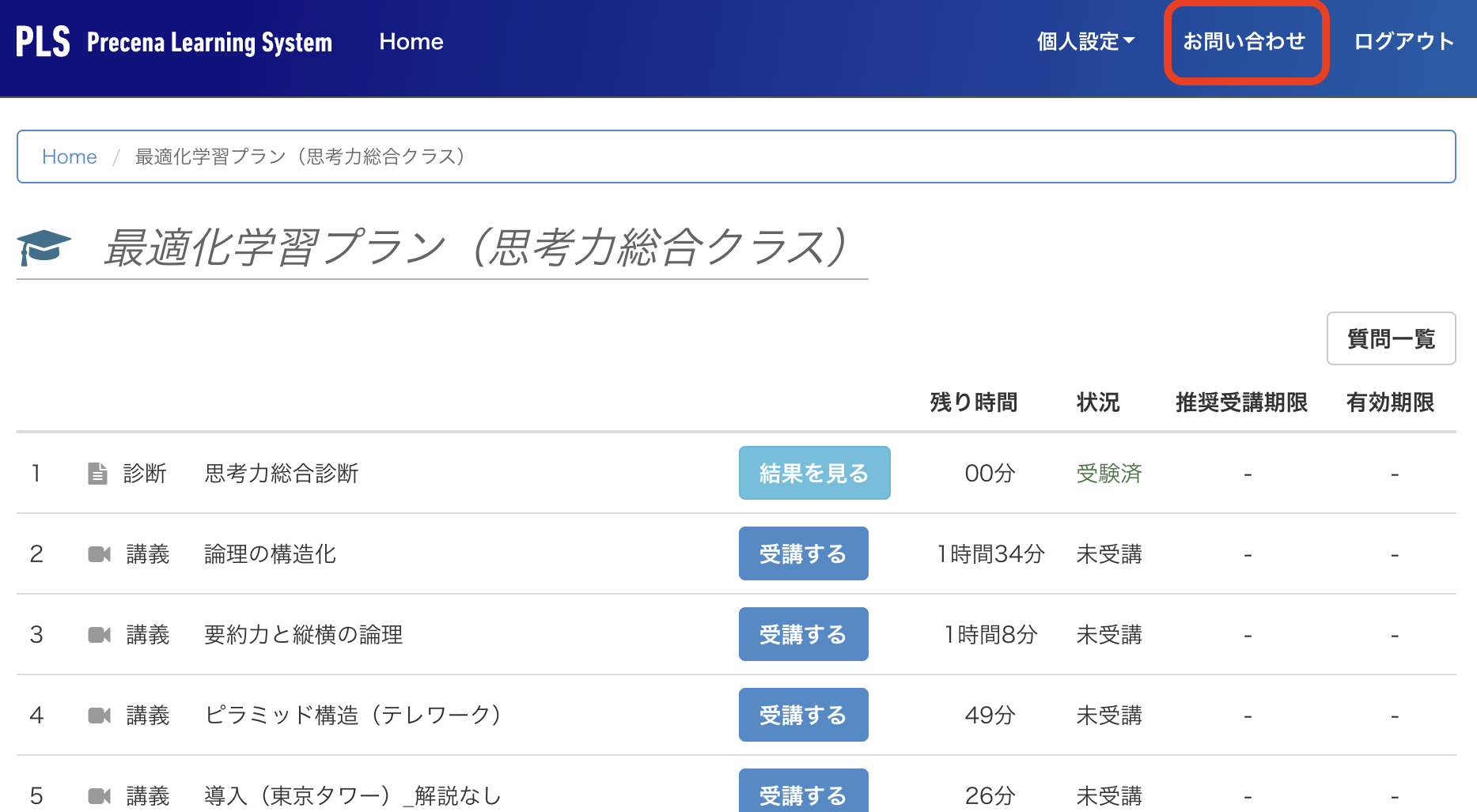
The “Help” menu item in the header menu has been changed to “Contact Us”.
Until now, clicking on the “Help” menu would take you to the support site where you could find FAQs and an inquiry form, but there was a problem with the wording “Help” being unclear as an explanation of the destination.
From now on, the destination will not change, but the wording on the menu will change to “Contact Us”.
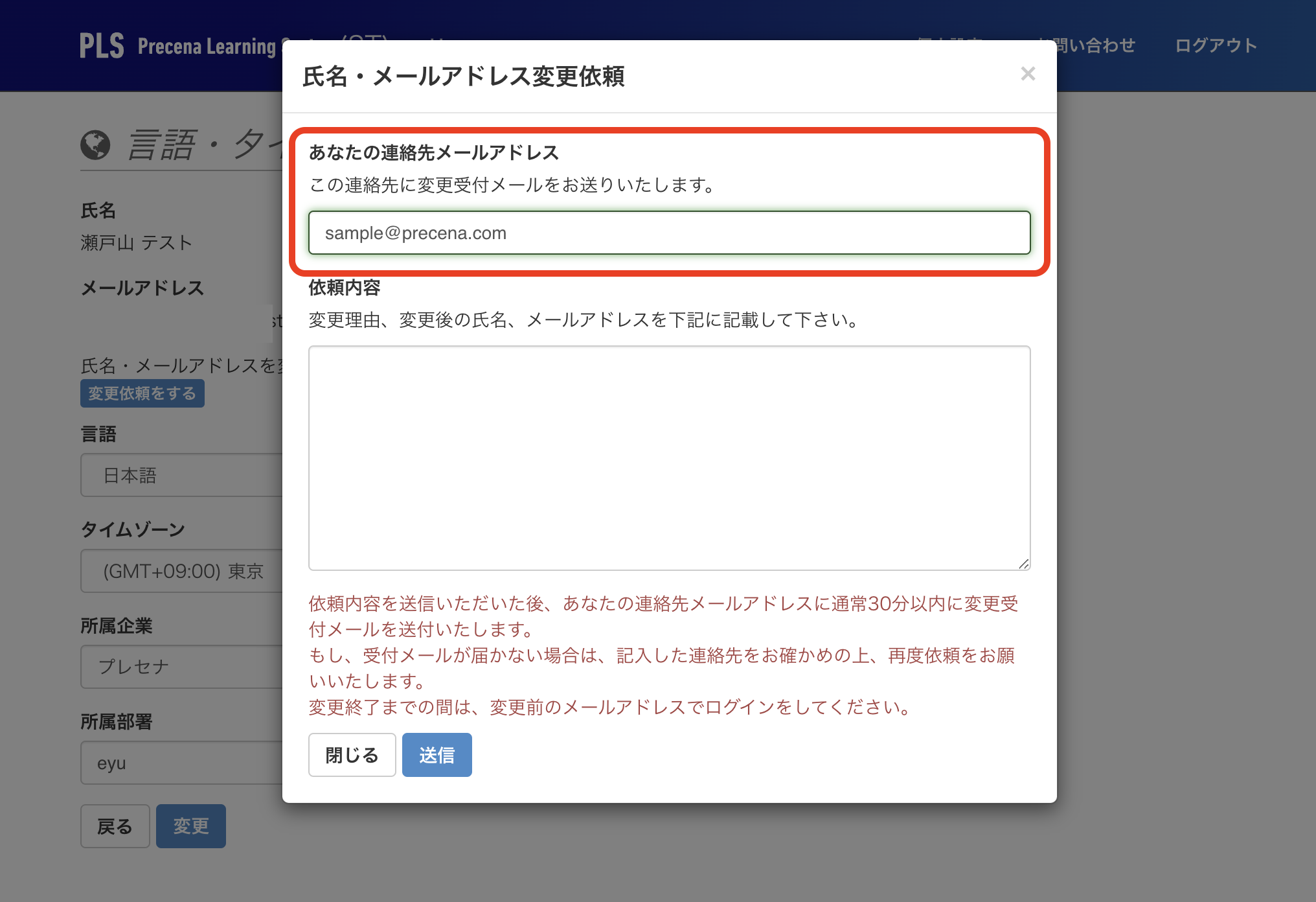
We have fixed the issue where you could not use a double-byte “@” in your email address on the “Request to change your name and email address” form.
There was a problem with the “Request to change your name and email address” form where you could use a double-byte “@” in your email address, and in some cases we were unable to send you a confirmation email.
From now on, if you enter a double-byte “@”, the text field will display an error message, so please check the error message and change the “@” to a single
The behavior when you forget to check the box to agree to the privacy policy etc. on the entry form has been improved.
Until now, if you pressed “Next” without checking the box to agree to the privacy policy and basic policy on information security on the class entry form, an error message would be displayed and the entry code would be left blank.
This behavior caused the problem that the entry code was not known when entering the Online Academy, but from now on, even if you press “Next” without checking, the entry code you have already entered will be retained as shown in the following figure, so this problem will be alleviated.
