v2022.11-14
The release notes for v2022.11-14 have been omitted as they only contain minor bug fixes and internal feature fixes for Precena.
v2022.15
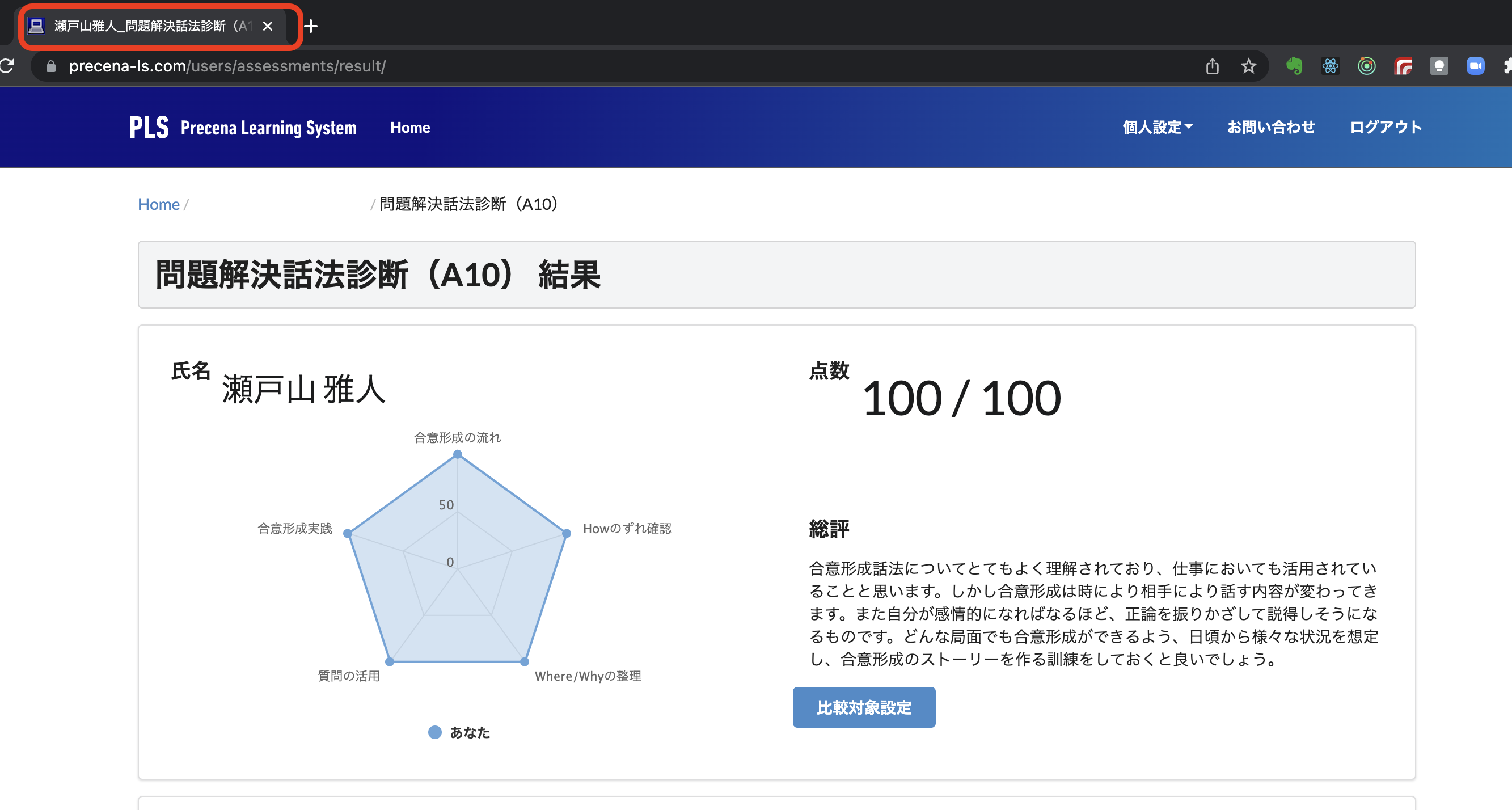
The page title of the diagnostic results screen now identifies the student.
Until now, the page title of the diagnostic results screen was “Precena Learning System”, so when you chose “Save as PDF” from the “Print” button to save the screen to a file, the file name would be “Precena Learning System.pdf”, and it was not possible to tell which participant's results were in the file from the file name.
From now on, the page title will be displayed in the following format.
Full name of participant_name of diagnostic_participant ID
As a result, when you select “Save as PDF” from the “Print” button, the file will be saved with the name “Full name of student_Diagnosis name_Student ID.pdf”. This means that when the HR staff register the results of the diagnosis in other systems or when they are compiled into a folder, they will be able to identify the students by the file name alone.